Illustration and continuity
Keep your illustrated book consistent: canon, geometry, and story changes
Plan stable characters, objects, and places; approve shape separately from appearance; and record the events that explain intentional visual changes.
BookSemantic Editorial · 1375 body words ·
Editorial note: prepared with AI assistance and reviewed against the listed sources and product documentation. Sources provide context, not endorsement. Examples are illustrative.
Continuity means recognizable change, not identical pictures
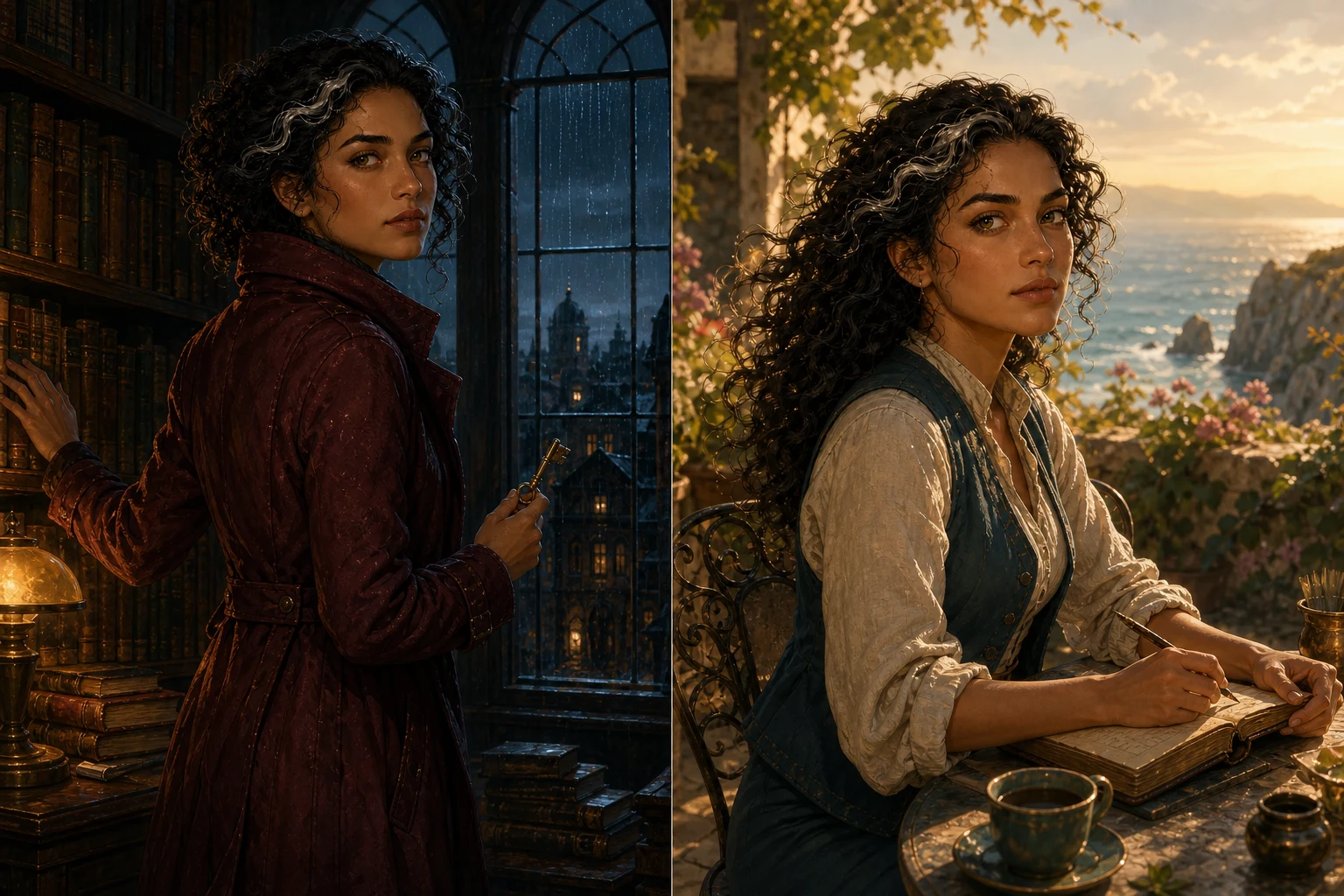
Visual continuity is the relationship between what stays recognizable and what changes for a reason. A room can look different at dusk without gaining another doorway. A character can turn away without moving a scar to the other cheek. A cup can break without becoming a different cup. For an illustrated book or series, the challenge is to preserve those distinctions across images made at different times for different scenes.
Repeatedly requesting something similar is not a complete continuity method. The author needs agreed facts, reviewable references, and a record of intentional changes. BookSemantic separates canon, geometry review, illustrated baselines, and chapter artwork so those decisions can be examined individually. This is a controlled creative workflow, not a promise that every candidate will match perfectly. Its value is that an author can identify what went wrong and correct the relevant decision instead of starting each image from an uncertain description.
Begin with the facts the book actually establishes
Canon is the set of facts you intend the book to treat as established. For a character, that might include stature, identifying features, clothing, and relationships. For an object, it includes size, material, markings, and significant damage. For a location, it includes the arrangement of spaces, openings, fixtures, and the surfaces that define the setting. Separate facts already stated in the manuscript from visual design choices that still need approval.
Fiction editors already use style sheets to retain character details, timelines, worldbuilding rules, and information needed for later books. [1] A visual canon extends that practical habit into illustration. If the manuscript says only that a room has tall windows, exact dimensions may be a design decision rather than a discovered fact. Record the choice before building subsequent images around it. More detail is useful when it settles a real question; invented precision that conflicts with the book is not an improvement.
Give important objects identities of their own
A prop that matters to the plot deserves more than a passing mention inside a room description. If readers must recognize a locket, instrument, letter, or cup later, describe what makes that particular object identifiable. Include the dimensions needed for believable scale, the materials that affect appearance, and the details that should survive a change of viewpoint. Distinguish a permanent mark from dirt, a reflection, or a temporary decoration.
The International Council of Museums' Object ID checklist documents materials, measurements, markings, and distinguishing features, supported by photographs and short descriptions. Its purpose is identifying real cultural objects, not illustrating fiction; the useful analogy is that identity becomes easier to check when its defining details are recorded. [2] For an invented blue cup, that could mean a narrow handle, an uneven cream rim, and a leaf motif on one side. “A blue cup” alone leaves too much room for an accidental substitute.
Approve the space before approving its finish
Geometry review asks where things are, how large they are, and how their shapes relate. Appearance review asks how those things are depicted: color, surface character, visual style, and recognizable features. BookSemantic presents these as separate decisions. The four geometry views should be checked against the saved canon before illustrated baselines are approved. A pleasing painting cannot compensate for a model that places the only entrance on the wrong wall.
Start with the relationships that matter to the story. Can the character reach the shelf from the chair? Is the desk beneath the window or against the opposite wall? Is there space to move between them? Inspect a room from more than one side so a hidden overlap does not become an accepted fact. For character references, anatomical left and right belong to the character, not the viewer. Turning the camera should reveal another side of the same subject, not invent a new pose or rearrange identifying features.
Judge the view without confusing perspective with change
The same setting will not occupy the same parts of every image. A nearer object can hide one farther away, a doorway can leave the frame, and an oblique view can make a window look narrower. That is different from changing the window's actual proportions. Compare relationships and identifiable features rather than asking whether the pictures have identical outlines. When something is not visible, do not assume it has disappeared from the story.
Film continuity offers a useful parallel. ScreenSkills describes script supervisors recording actions, eyelines, props, and camera details so scenes shot out of sequence still make sense together. [3] An author can borrow the viewing discipline without becoming a filmmaker: establish where the viewer is, what direction the subject faces, and what the scene requires readers to notice. If a composition makes an essential fact ambiguous, adjust or reject the candidate. A view label is a review aid, not evidence that the image fulfilled it.
Keep appearance consistent without freezing the light
Approved illustrated baselines establish the visual identity that later artwork should respect. Review the first appearance carefully: materials, dominant colors, distinguishing marks, and the intended illustration style. Then compare the other views against it as well as the geometry. In BookSemantic, the front illustrated baseline guides subsequent views, while each candidate still needs its own review. Approval of a reference does not automatically approve chapter artwork or place it in the manuscript.
Lighting complicates color comparisons. A reflective surface can look warmer beside a lamp or darker when turned away from it. Official Blender documentation explains that surface appearance involves how light is reflected, transmitted, or absorbed. [4] The author-facing lesson is to distinguish a change of illumination from a change of material. A brass fitting should remain recognizable as brass; it need not repeat the same highlight in every scene. Conversely, a new decoration or a different wood grain should not be excused as lighting.
Give every intentional change a place in the story
Consider an invented cup that is intact in an early scene, chips when dropped during an argument, and is put away later. These are three states of one object, not three unrelated designs. Record the event that changes it, the affected feature, and when the new condition becomes relevant. The leaf motif and handle should remain recognizable after the chip unless the story changes them too. Putting the cup away changes its presence in a scene, not its underlying identity.
Professional prop continuity likewise records original placements and changes in appearance or use between takes. [5] In BookSemantic, review story changes in relation to their original canon entries and the relevant manuscript context. A scanner's suggestion is a prompt to verify what the text establishes, not permission to invent an event. Apply the same reasoning to a new scar, a repaired door, a repainted sign, or a building added between books. If an earlier chapter is illustrated later, it still needs the earlier state.
Compose chapter artwork after reference decisions are clear
Canon references and finished illustrations have different jobs. A neutral character reference helps establish identity; a chapter illustration may show that character seated, carrying something, or partly hidden by furniture. An object reference makes the object inspectable; the story may need it seen from above. Reference views are not a rule that every finished image must repeat the same camera position.
BookSemantic's Illustrator brings the selected scene, character, and object references into a chapter-specific composition. Review the action as well as the assets. Is the character actually looking toward the named window? Does a hand contact the intended object? Does the scene use the correct story state? An attractive result may still communicate the wrong event. Approve the final artwork on that basis before placing it, and give its description enough context to explain what matters without adding facts that the illustration does not show.
Correct the decision that caused the mismatch
When a candidate fails, first classify the problem. A misplaced opening may require a geometry correction. A wrong finish may require a baseline correction. An intact prop after a breaking event may indicate the wrong story state. A correct room shown from an unhelpful viewpoint may be a composition problem. This small diagnosis prevents changing stable facts merely to rescue one image.
Use precise review notes: identify the object or surface, the expected relationship, and the reference or passage supporting it. After a change, review affected work again rather than assuming earlier approval covers the new design. Connected canon can make that review more organized, but it does not eliminate the need to look. The outcome to aim for is not a gallery of repetitive pictures. It is a visually coherent book in which new angles reveal the same world and meaningful changes belong to the story.